
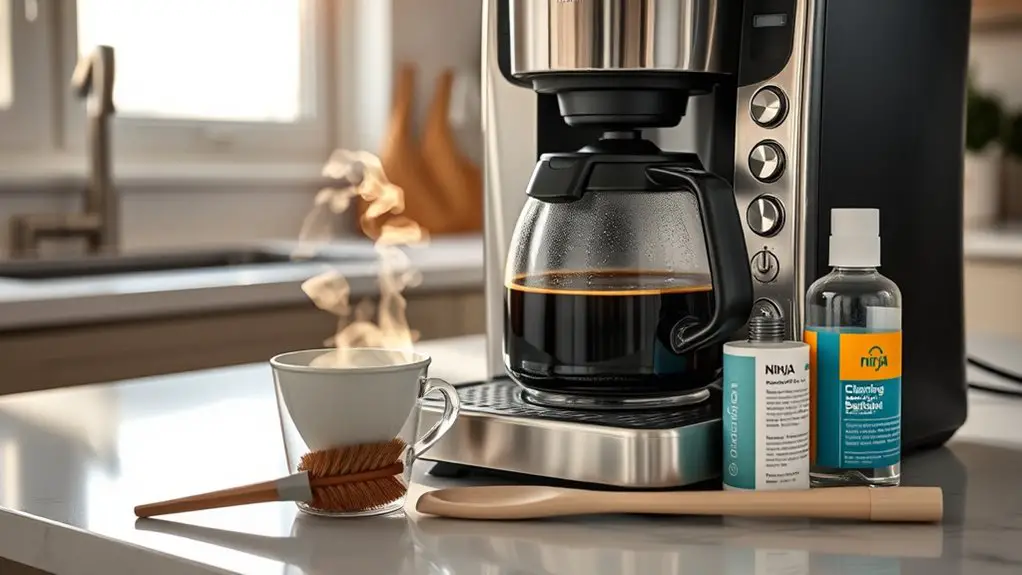
If your Ninja Coffee Bar's brewing too slowly, start by checking for clogged filters and clean the water reservoir. Inspect the brew basket for buildup, and make sure you're using fresh coffee beans stored properly. Adjust the grind size, verify the water temperature is between 195°F and 205°F, and descale your machine regularly. Finally, check the power supply and settings. If issues persist, there are further steps you can take to enhance performance.
Check for Clogged Filters
Before you plunge into deeper troubleshooting, it's essential to check for clogged filters, as they can greatly affect your Ninja Coffee Bar's performance. Start by inspecting the filter holder; if you see any debris or buildup, this could restrict water flow. Remove the filter and rinse it under running water to clear any residue. If the clog persists, consider filter replacement. Using a fresh filter not only improves brewing efficiency but also enhances the flavor of your coffee. Always verify you're using the correct type of filter compatible with your model. After replacing the filter, run a water cycle to flush the system. This simple step can appreciably restore your coffee bar's functionality, giving you the freedom to enjoy your coffee without delays.
Clean the Water Reservoir
To maintain ideal performance, you'll need to clean the water reservoir regularly. Start by removing and inspecting the reservoir for any buildup or debris. Then, use a vinegar solution to clean it thoroughly, ensuring you rinse it well before refilling.
Remove and Inspect Reservoir
Begin by removing the water reservoir from your Ninja Coffee Bar to inspect and clean it thoroughly. Proper reservoir maintenance is essential for optimal water quality and brewing performance. Follow these steps for a meticulous inspection:
- Check for Residue: Look for any mineral buildup or debris inside the reservoir.
- Examine Seals: Confirm that the rubber seals are intact and not damaged.
- Inspect Inlet Valve: Verify that the inlet valve is free from blockages.
- Assess Overall Condition: Look for cracks or wear that could affect functionality.
Clean With Vinegar Solution
While regular cleaning is essential for maintaining your Ninja Coffee Bar, using a vinegar solution effectively removes mineral buildup and guarantees peak performance. Here's a straightforward cleaning process to follow:
| Step | Action | Purpose |
|---|---|---|
| 1 | Mix 1 part vinegar with 2 parts water | Create vinegar solution |
| 2 | Fill the reservoir | Prepare for cleaning |
| 3 | Run a brew cycle | Flush out minerals |
| 4 | Let it sit for 15 mins | Enhance cleaning effectiveness |
| 5 | Empty and rinse | verify no vinegar residue |
Rinse Thoroughly Before Use
After cleaning with the vinegar solution, it's important to make certain the water reservoir is free from any lingering contaminants. This guarantees peak water quality for your coffee. Employ effective rinse techniques to achieve this. Follow these steps:
- Fill the reservoir with fresh, clean water.
- Run a brew cycle without coffee grounds to flush out any remaining vinegar.
- Empty the carafe and repeat the process at least once more.
- Check for odors or residue; if detected, repeat the rinsing until the reservoir is clear.
Inspect the Brew Basket
One of the first steps in troubleshooting your Ninja Coffee Bar is to inspect the brew basket. Check for any clogs or buildup that could impede water flow, as this can notably slow down brewing. Confirm the brew basket is clean and free of old coffee grounds, which are essential for effective brew basket maintenance. A dirty basket disrupts ideal brew settings, leading to under-extraction or over-extraction. Remove the brew basket and give it a thorough rinse under warm water. If you notice stubborn residue, use a soft brush or non-abrasive cleaner. Regularly maintaining the brew basket not only enhances performance but also extends the lifespan of your coffee maker, allowing you to enjoy rich, flavorful coffee without interruptions.
Use Fresh Coffee Beans
Using fresh coffee beans is essential for achieving the best flavor and aroma from your Ninja Coffee Bar. The freshness impact on your brew can't be overstated; stale beans lead to subpar coffee. To guarantee peak taste, follow these guidelines for bean storage:
Using fresh coffee beans is crucial for optimal flavor and aroma; stale beans can ruin your coffee experience.
- Keep beans in an airtight container: Prevents exposure to air and moisture.
- Store in a cool, dark place: Light and heat degrade quality.
- Buy whole beans: They retain flavor longer than pre-ground coffee.
- Use within two weeks of roasting: Maximize freshness and flavor extraction. Additionally, proper storage conditions are crucial for maintaining the beans' unique flavor and chemical profile.
Adjust Grind Size
Adjusting the grind size of your coffee beans is essential for optimizing extraction and flavor when using your Ninja Coffee Bar. The grind consistency directly influences brew strength; finer grinds increase extraction speed, while coarser grinds slow it down.
| Grind Size | Brew Strength |
|---|---|
| Coarse | Mild |
| Medium | Balanced |
| Fine | Strong |
| Extra Fine | Intense |
Experiment with different grind sizes to find the perfect balance for your taste. If your coffee's brewing too slowly, try a slightly coarser grind. Conversely, for a stronger brew, opt for a finer grind. Your Ninja Coffee Bar will respond, enhancing both flavor and efficiency. For optimal results, aim for a medium grind to avoid clogging and ensure consistent extraction.
Ensure Proper Water Temperature
To brew coffee effectively, you need to maintain an ideal water temperature range, typically between 195°F and 205°F. Check the thermostat calibration to guarantee your Ninja Coffee Bar is reaching these ideal temperatures consistently. Proper temperature control is essential for extracting the best flavors from your coffee grounds.
Ideal Brewing Temperature Range
The ideal brewing temperature range for your Ninja Coffee Bar is between 195°F and 205°F (90°C to 96°C). Maintaining this range guarantees peak brewing efficiency and enhances flavor extraction. If your coffee isn't brewing at this temperature, you'll encounter issues with taste and brewing speed. To effectively manage temperature control, consider these steps:
- Use a thermometer to verify water temperature before brewing.
- Clean the machine regularly to prevent mineral buildup that affects heating.
- Preheat your cups to minimize temperature loss during the brewing process.
- Experiment with grind size since finer grinds can improve extraction at lower temperatures.
Thermostat Calibration Check
A thermostat calibration check is essential for guaranteeing your Ninja Coffee Bar brews at the correct temperature. If you suspect a thermostat malfunction, you need to apply a reliable calibration method. Start by measuring the water temperature using a digital thermometer. Brew a cycle, then compare the readings.
| Step | Action | Expected Outcome |
|---|---|---|
| Measure Temperature | Use a digital thermometer | Get accurate water temp |
| Brew Cycle | Run a standard brew | Observe brewing time |
| Compare Results | Analyze temp vs. setting | Identify calibration needs |
If the temperature deviates considerably, it's time to recalibrate or consult the manufacturer for further assistance. This guarantees your coffee consistently reaches that perfect brewing temperature.
Regularly Descale Your Machine
While it may seem like a minor task, regularly descaling your Ninja Coffee Bar is essential for maintaining peak performance and extending its lifespan. Build-up from minerals can slow brewing and affect flavor. To guarantee optimal functioning, adhere to the following descaling frequency:
- Monthly: If you use hard water, consider descaling every month.
- Every 3 months: For moderate water quality, every three months works well.
- Every 6 months: If you use filtered or soft water, descaling every six months is often sufficient.
- Descaling solutions: Use a reputable descaling solution specifically designed for coffee machines to effectively remove deposits.
Verify Power Supply and Settings
Before diving into more complex troubleshooting, verify that your Ninja Coffee Bar is properly powered and configured. Begin by checking the power supply—confirm it's plugged in and the outlet is functioning. A faulty outlet can lead to inadequate power, causing slow brewing times.
Next, perform a settings check. Confirm that your brewing settings are appropriately selected for the desired brew type. Here's a quick reference table:
| Power Supply Check | Settings Check | Notes |
|---|---|---|
| Plugged in | Brew type selected | Confirm correct selection |
| Outlet functional | Brew strength adjusted | Adjust if necessary |
| Power cord intact | Carafe size set | Match to brew volume |
| Reset if needed | Time settings correct | Verify accuracy |
Following these steps can often resolve slow brewing issues effectively.
Contact Customer Support if Necessary
If you've tried all troubleshooting steps and your Ninja Coffee Bar still isn't functioning as expected, it's time to reach out to customer support. Their customer service team can provide the expertise needed to resolve any lingering issues. Before contacting them, gather relevant information to streamline the process:
- Model Number: Know your specific Ninja Coffee Bar model.
- Purchase Date: Have your purchase date on hand for warranty coverage verification.
- Detailed Issue Description: Clearly outline the problems you've encountered.
- Previous Troubleshooting Steps: List any steps you've already taken to avoid redundancy.
Frequently Asked Questions
How Often Should I Clean My Ninja Coffee Bar?
You should clean your Ninja Coffee Bar every three months for peak performance. Regular cleaning frequency not only enhances flavor but also extends the machine's lifespan. Follow maintenance tips to guarantee consistent brewing quality and efficiency.
Can I Use Pre-Ground Coffee in My Ninja Coffee Bar?
When it comes to using pre-ground coffee in your Ninja Coffee Bar, it's a piece of cake! Just guarantee the coffee grind size is suitable; otherwise, you might not achieve that perfect brew.
What Type of Water Is Best for Brewing?
For ideal brewing, you should use filtered water. This reduces impurities and balances mineral content, enhancing flavor extraction. Avoid distilled water, as it lacks essential minerals necessary for brewing a rich, satisfying cup.
Is It Safe to Leave the Coffee Machine On?
Leaving your coffee machine on raises safety concerns, primarily risk of overheating or fire. Additionally, it's not energy efficient. For ideal safety and efficiency, consider turning it off when not in use.
How Long Should I Wait for the Brewing Process to Complete?
Typically, the brewing time for your coffee should last between four to six minutes. This duration guarantees ideal coffee extraction, allowing flavors to develop without over-extraction, which can result in bitterness. Adjust as necessary for taste.