
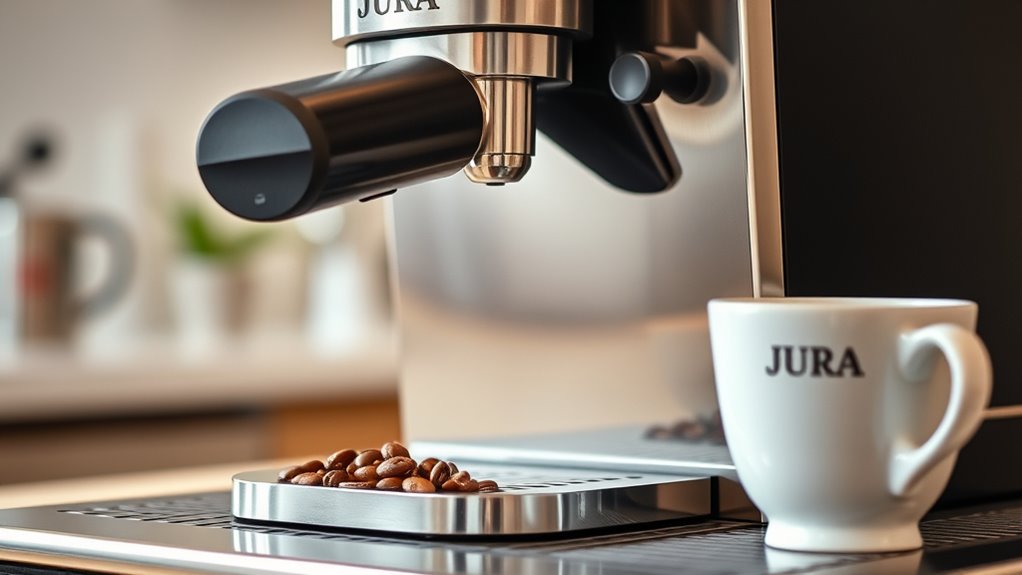
If your Jura coffee machine isn't grinding beans, first check the bean hopper for blockages and guarantee beans aren't stale or stuck. Next, inspect the grinder settings; an improper grind size can prevent operation. Clean the grinder mechanism to eliminate clogs, and verify the water supply is adequate and free from issues. Finally, try resetting the machine to restore functionality. There are additional steps you can explore to get your machine back in working order.
Check the Bean Hopper for Blockages
One of the first things you should do when your Jura coffee machine isn't grinding beans is to check the bean hopper for blockages. Start by removing the hopper lid and inspecting for any beans that may be stuck, especially if you're using beans with less freshness. Old or stale beans can clump together, affecting your hopper's capacity. Clear out any obstructions, and make certain the beans can flow freely into the grinder. Additionally, consider the quantity of beans in the hopper; if it's too full or too empty, it may lead to grinding issues. Maintaining both bean freshness and proper hopper capacity is crucial for peak performance, making sure your coffee experience remains unencumbered and satisfying.
Inspect the Grinder Settings
When your Jura coffee machine isn't grinding beans, start by checking the grind size adjustment. If it's set too coarse or too fine, it can prevent proper grinding. Verify the grind level is appropriate for your brewing method to achieve ideal results.
Check Grind Size Adjustment
Although you may not realize it, the grind size of your coffee beans plays an essential role in the performance of your Jura coffee machine. Proper grind consistency guarantees ideal extraction and flavor. If your machine isn't grinding beans, it's crucial to check the grind size adjustment. Here are some adjustment methods to take into account:
- Adjust the grinder settings: Use the dial to change the grind size.
- Test different sizes: Experiment with coarser and finer grinds.
- Check for clogs: Verify there's no debris obstructing the grinder.
- Regularly clean the grinder: This maintains consistent performance and prevents build-up.
Ensure Proper Grind Level
After adjusting the grind size, it's important to guarantee that the grinder settings are refined for your brewing preferences. Check the grinder's calibration to confirm grind consistency, which directly impacts coffee quality. If the grind is too coarse, water will flow through too quickly, resulting in weak, under-extracted coffee. Conversely, a fine grind may cause over-extraction, leading to bitterness. Use the grinder's settings to fine-tune the output, aiming for a uniform texture. Take time to experiment with different settings, documenting your results to find the perfect balance for your taste. Regularly inspect and clean the grinder to maintain peak performance, ensuring each cup delivers the richness and flavor you desire.
Clean the Grinder Mechanism
To clean the grinder mechanism, start by removing any remaining coffee beans to prevent contamination. Next, inspect the grinder components for any clogs or buildup that could hinder performance. Regular maintenance of these parts is essential for peak grinding efficiency.
Remove Coffee Beans
Start by removing the coffee beans from your Jura coffee machine to access the grinder mechanism. This step is essential for maintaining ideal performance, especially given the various coffee bean types and grinding techniques you may use. Follow these steps for effective removal:
- Turn off the machine and unplug it for safety.
- Open the bean hopper lid and gently lift it off.
- Pour out the beans, ensuring none remain stuck.
- Clean any residual coffee grounds from the hopper.
Inspect Grinder Components
Inspecting the grinder components is essential for guaranteeing your Jura coffee machine operates smoothly. Start by removing the grinder cover and checking for any blockages or debris that could hinder performance. Use a soft brush to clean the grinding burrs, as accumulated oils and coffee particles can lead to inconsistent grinding. Pay attention to the adjustment mechanism; a misaligned setting can affect grind size. Regular grinder maintenance, including this inspection, is key to longevity and peak function. For troubleshooting techniques, confirm that all screws are tightened and that no parts are worn out. If issues persist, consider disassembling the grinder for a thorough cleaning or replacing damaged components. Your coffee experience depends on it!
Verify the Machine's Water Supply
While troubleshooting your Jura coffee machine, one essential aspect to take into account is the water supply, as a lack of adequate water can prevent the grinder from functioning properly. Here's what you should check:
- Water Tank: Verify it's filled to the recommended level.
- Water Filter: Confirm that it's properly installed and not overdue for replacement.
- Hoses and Connections: Inspect for blockages or leaks that could impede water flow.
- Machine Maintenance: Regularly descale and clean the machine to avoid mineral buildup affecting water supply.
Reset the Jura Coffee Machine
If your Jura coffee machine isn't grinding beans, resetting it might resolve the issue. Start by turning off the machine and unplugging it from the power source. Wait for about 10 seconds before plugging it back in and powering it on. This reset can help clear temporary glitches affecting the machine settings. Once it's powered on, navigate to the menu and check for any error messages or settings that may need adjustment. Following these troubleshooting tips guarantees that your machine is functioning at its best. If the grind settings were altered unintentionally, restoring them to factory defaults can also help. Regular resets can enhance performance, giving you the freedom to enjoy your coffee without hassle.
Contact Customer Support for Assistance
When you're unable to resolve the grinding issue despite troubleshooting, contacting customer support is a prudent next step. Their customer service team is equipped to provide specialized assistance that can save you time and effort. Here's how to make your interaction efficient:
When troubleshooting fails, reaching out to customer support can provide the expert help you need.
- Gather your machine's model and serial number.
- Document the troubleshooting tips you've already attempted.
- Be ready to describe the specific grinding issue.
- Note any error codes displayed on the machine.
Frequently Asked Questions
Can I Use Pre-Ground Coffee in My Jura Machine?
While your Jura coffee machine excels at grinding, it can use pre-ground coffee in a pinch. Just remember to adjust the settings accordingly; flexibility can lead to unexpected delights in your coffee experience.
What Should I Do if My Coffee Tastes Burnt?
If your coffee tastes burnt, check the brewing temperature and grind size. High temperatures can degrade coffee quality, resulting in a burnt flavor. Adjust these settings for a smoother, richer cup that better preserves flavor profiles.
How Often Should I Clean My Jura Coffee Machine?
You should clean your Jura coffee machine every few weeks for best performance. Regular maintenance tips include descaling and ensuring the brew group is clean, which keeps your coffee tasting fresh and prevents buildup.
What Type of Beans Work Best With Jura Machines?
For ideal results, use fresh, high-quality Arabica beans, which make up 60% of global coffee production. They offer a balanced flavor profile, enhancing your Jura machine's performance. Avoid stale beans to guarantee the best brew experience.
Is My Machine Still Under Warranty if It's Not Grinding?
If your machine isn't grinding, check the warranty policy. It might still be covered. Review repair options through authorized service centers to guarantee you maintain your freedom to enjoy quality coffee without unnecessary expenses.